How First-Time Users Can Save Big on Hostinger in 2026: Verified Tips & Coupons
HOW TO SAVE MORE AS A NEW USER ON HOSTINGER
Hostinger is a widely used web hosting provider that offers tools and services for creating and managing websites. It supports different hosting needs, including shared hosting, WordPress hosting, cloud hosting, and VPS solutions. When choosing a hosting service for the first time, new users often look for cost-saving options because they want to test the platform, understand their requirements, and minimize initial investment while setting up a website. In this blog we will be working on how to save more as a new user on Hostinger.
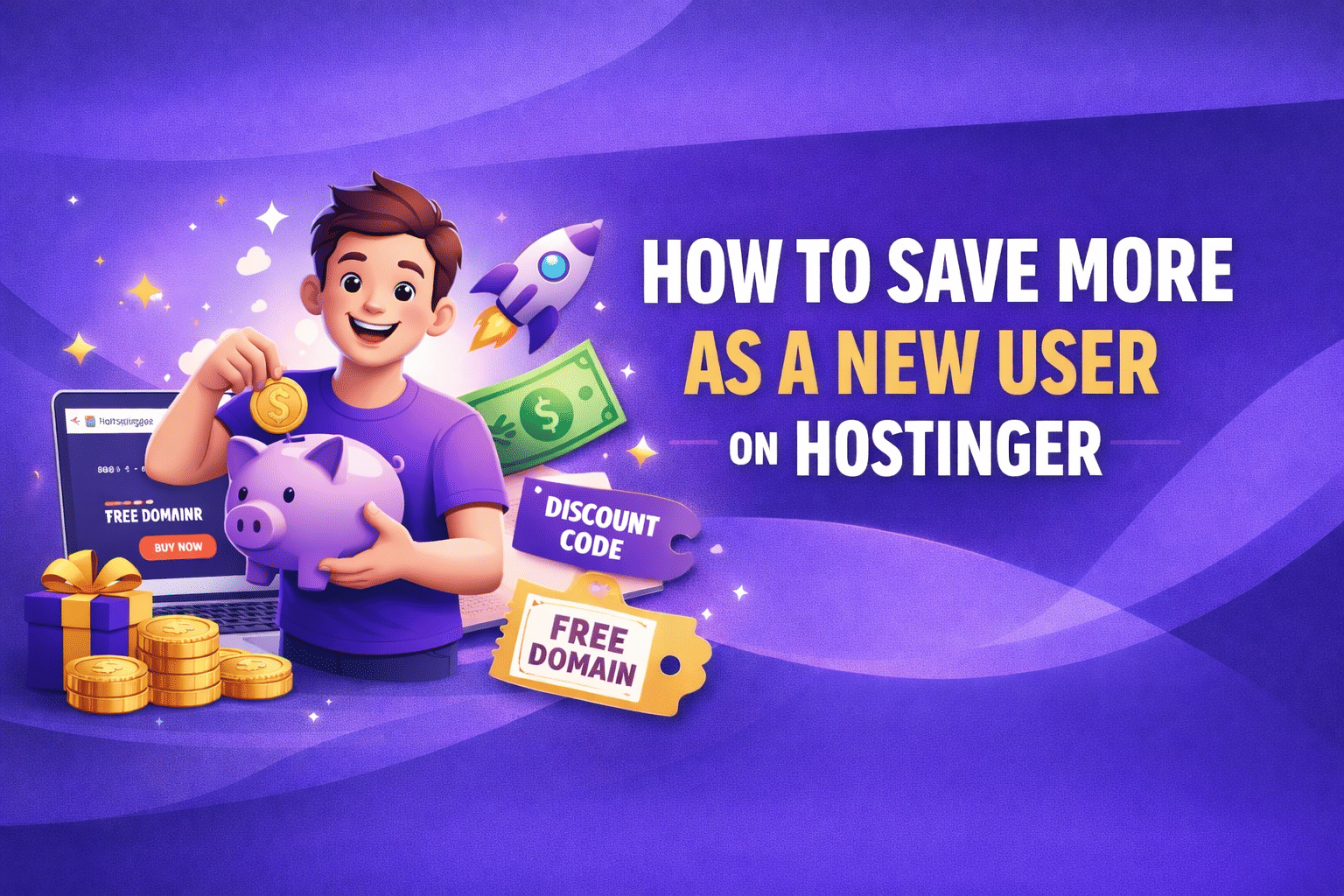
How to create a new account on Hostinger ensuring new user benefits -
- Visit the official Hostinger website.
- Click on the “Get Started” or “Sign Up” button.
- Choose your preferred hosting plan (shared hosting is ideal for beginners).
- Enter your email address or sign up using Google/Facebook.
- Create a strong password for your account.
- Select the billing period (longer plans usually cost less per month).
- Apply any promo code or special promo link if available.
- Complete the payment process using your preferred payment method.
- Once payment is successful, your Hostinger account will be created.
- Log in to the Hostinger dashboard and start setting up your website.
- This process ensures you qualify for first-time user benefits, introductory pricing, and special offers.
Ways to save on Hostinger as a new user -
Use Referral link - One of the easiest ways for first-time users to save on Hostinger is by using a referral; you get 20% off, and in addition, when you sign up through a referral link, Hostinger recognizes the account as a new customer, making you eligible for introductory pricing.
Choose longer plan - Choosing a longer plan is one of the smartest ways to save more, especially for first-time users. Long-term plans, like for 48 months, usually come with a significantly lower monthly cost compared to short-duration options, helping you get better value for your money.
Use Student Discount -If you’re a student, make sure to use a student discount when signing up for Hostinger. Many providers offer special savings or exclusive deals for students through partner platforms or verified student programs, letting you reduce the cost even further. Combining a student discount with promo links, first-time user coupons, and longer-term plans can significantly lower your overall hosting expenses while still giving you access to valuable features.
Use special promo/affiliate links - Hostinger offers special promo links you can find in YouTube video descriptions or pinned comments that unlock exclusive discounts for first-time users. These links combine with Hostinger’s introductory pricing to give you deeper savings, especially when you choose a longer-term plan.
Opt for plans with added perks - When signing up with Hostinger, it’s smart to opt for plans with added perks. Many hosting plans come bundled with valuable features such as a free SSL certificate, website builder, domain registration, and enhanced security tools. Choosing a plan that includes these perks saves you money.
First-time user coupons - Hostinger offers special first‑time user coupons that can be applied at checkout to get extra savings on your hosting plan. These coupons often stack with introductory pricing and can significantly reduce the cost, and you can go through the latest and verified Hostinger coupons from Zoutons.
Don’t opt for Premuim - For first-time users, it’s generally advisable not to opt for Premium or higher-tier plans right away. While these plans offer extra resources and features, they come at a higher cost that may not be necessary if you’re just starting your website.
Start with Shared Hosting - For first-time users, it’s best to start with Shared Hosting on Hostinger. Shared hosting is beginner-friendly, cost-effective, and provides all the essential features needed to launch a website without unnecessary complexity. It’s ideal for small websites, blogs, or personal projects, allowing you to take advantage of Hostinger’s introductory pricing, promo links, and first-time user coupons.
Sign up with a fresh account - For first-time users, it’s important to sign up with a fresh account on Hostinger. New accounts are eligible for special introductory pricing, first-time user coupons, and promo links. Creating a new account ensures you can take full advantage of these discounts and bundled perks, such as a free SSL certificate, website builder tools, and security features, giving you the best value when starting your website.
Consider AI Builder - For first-time users, it’s a good idea to consider the AI website builder when signing up with Hostinger. The AI builder can help you quickly create a professional-looking website without needing advanced technical skills, saving you time, money and effort.
Shop during sales - For better savings, it's best to strategise and shop during Hostinger sales like Black Friday, Cyber Monday or New Year. During these events, Hostinger offers extra discounts, special promo links, and first-time user coupons that can significantly reduce the cost of your hosting plan.
Compare Plans- As a new user, it’s important to compare plans before choosing a package. Look at the features, pricing, and resources included in each option, such as storage, performance, bandwidth, bundled perks (like free SSL, AI website builder, and domain support), and renewal costs, to find one that fits your needs and budget.
Check Renewal Prices - Be sure to check the renewal prices before finalizing your Hostinger plan. While introductory rates and promo links can make the first term very affordable, the regular renewal costs after that period are often higher. Comparing renewal rates across plans ensures you choose the best value overall, not just the cheapest initial offer.
Use 30-day money-back guarantee - Make sure to use Hostinger’s 30-day money-back guarantee to experience it risk-free as a new user. This allows you to try the hosting service, test performance, features, and support for up to 30 days, and request a full refund if it doesn’t meet your expectations. It’s a safe way to take advantage of introductory pricing, promo links, and bundled features without worrying about long-term commitment.
Hostinger helps beginners save by offering affordable plans, smart features, and flexible discounts. By planning carefully, choosing the right plan, and using promo links, coupons, and sales, new users can cut costs significantly. Comparing plans and checking renewal prices ensures long-term value, making Hostinger a budget-friendly choice for starting a website.
FAQs
Q. Who should opt for Hostinger?
A. Bloggers, Students, Small business owners, Freelancers and first-time website creators should opt for Hostinger.
Q. What is the best plan for a first-time Hostinger user?
A. The Single Shared Hosting plan is ideal for beginners because it provides all the essential features at the lowest starting price. It’s perfect for a personal blog, portfolio, or small website.
Q. Can I get a free domain as a new user?
A. Yes, if you select an eligible plan like the Premium Shared Hosting plan or higher, you can get a free domain for the first year.
Q. Does Hostinger offer free SSL certificates for beginners?
A. Most plans include a free SSL certificate, which secures your website and prevents the need to buy one from third-party providers.
Q. Are Hostinger referral links safe and legitimate?
A. Yes. Using official referral or affiliate links is safe. They simply apply discounts or bonuses for new users and do not affect your website’s functionality.
_1767166944.jpg?tr=w-80,h-80,c-force)
Trending
 Flipkart Big Billion Days 2026 Dates: Announced Oct 9, Plus Access Oct 8
  Myntra Sale Calendar 2026: Big Fashion Festival & Winter EORS Dates
  Nykaa Sale Calendar 2026: Diwali Dhamaka & Pink Friday Dates, Next Sale
  Ajio Upcoming Sale Calendar 2026: All Stars Sale & Festive Dates
  Amazon Great Indian Festival 2026: Best 5G Phone Deals From Rs. 7,999
  Trending Skills to Learn on Udemy: September 2026 Course Picks
 More From Hostinger


 Booking com
  Hostinger
  Dell
Dell  Udemy
Udemy  Agoda
Agoda  Nykaa
Nykaa  Myntra
  Ajio
Ajio